 Replay
10K+
Screenshots captured
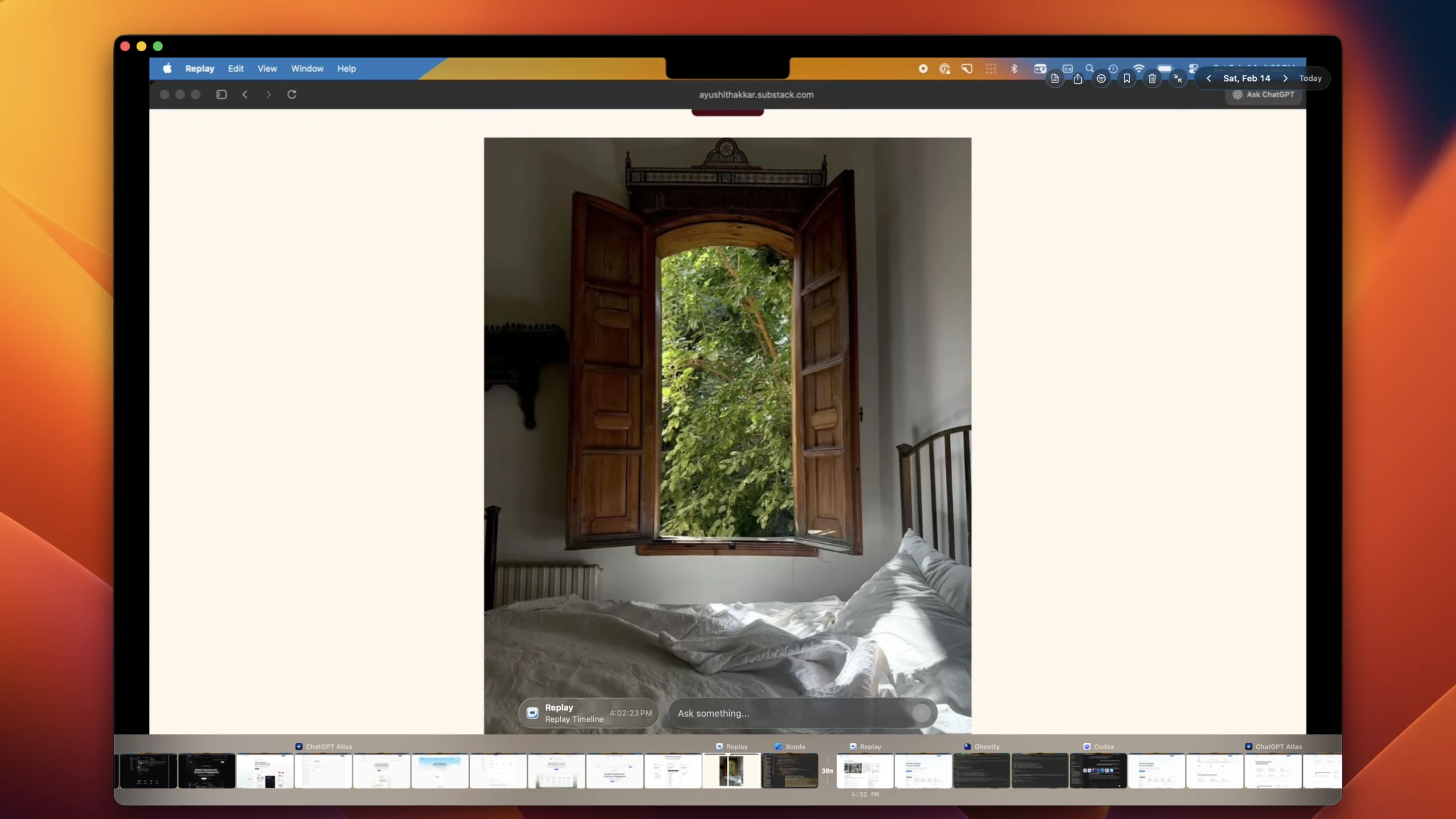
Replay silently captures your Mac every few seconds. Scrub back through your entire day, search with AI, and never lose track of what you were working on.
Works with the tools in your daily workflow


10K+
Screenshots captured
200+
Early adopters
100%
Local & private
Workflow
01
Replay lives in your menu bar. Once set up, it silently captures your screen every few seconds.
02
Use natural language to find any moment. AI-powered search understands what you were looking at.
03
Everything runs on-device. No cloud uploads, no accounts, no data ever leaves your Mac.
Core Features
Core feature
Replay builds a navigable timeline of your day so you can return to exact app states, decisions, and context shifts in seconds.
Core feature
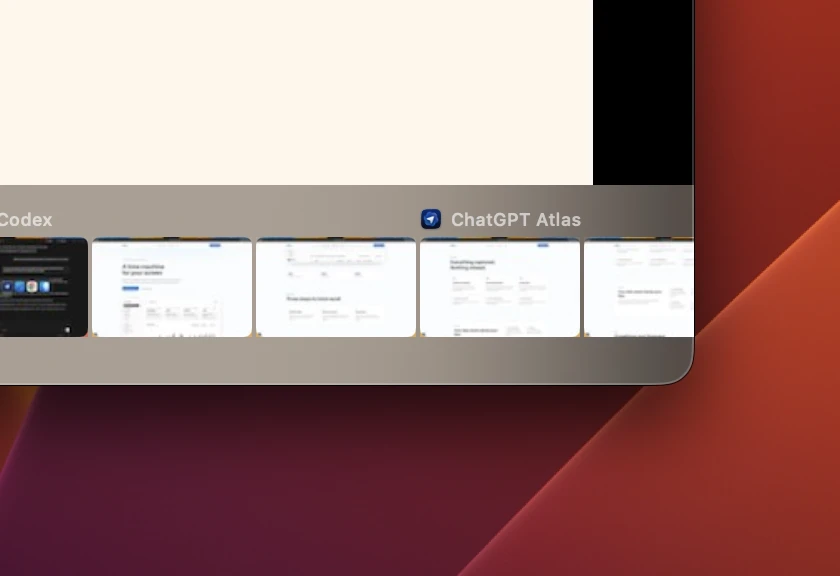
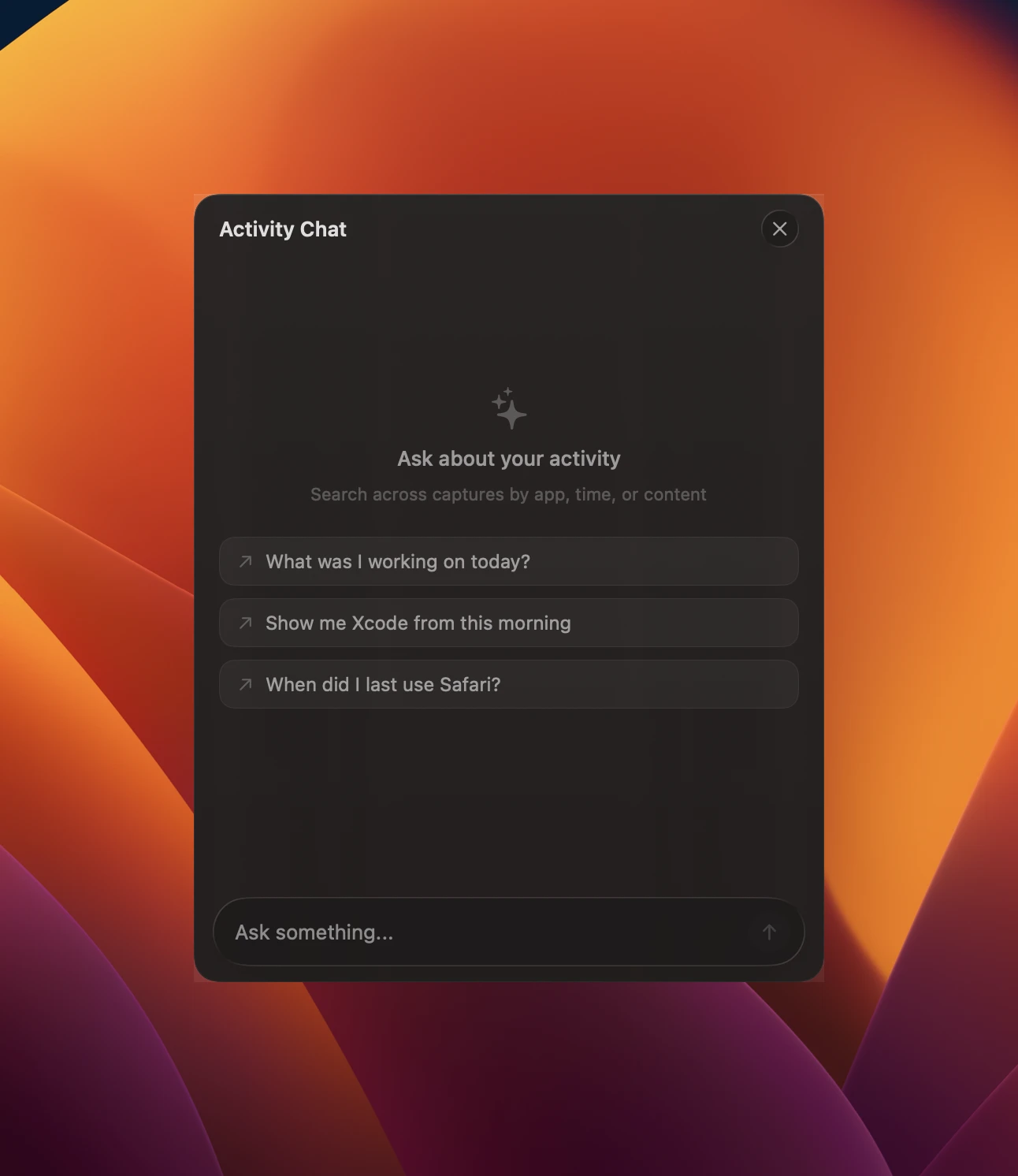
Search by intent, not filename. Replay ranks relevant moments from your capture history and lets you jump straight into the right frame.
Core feature
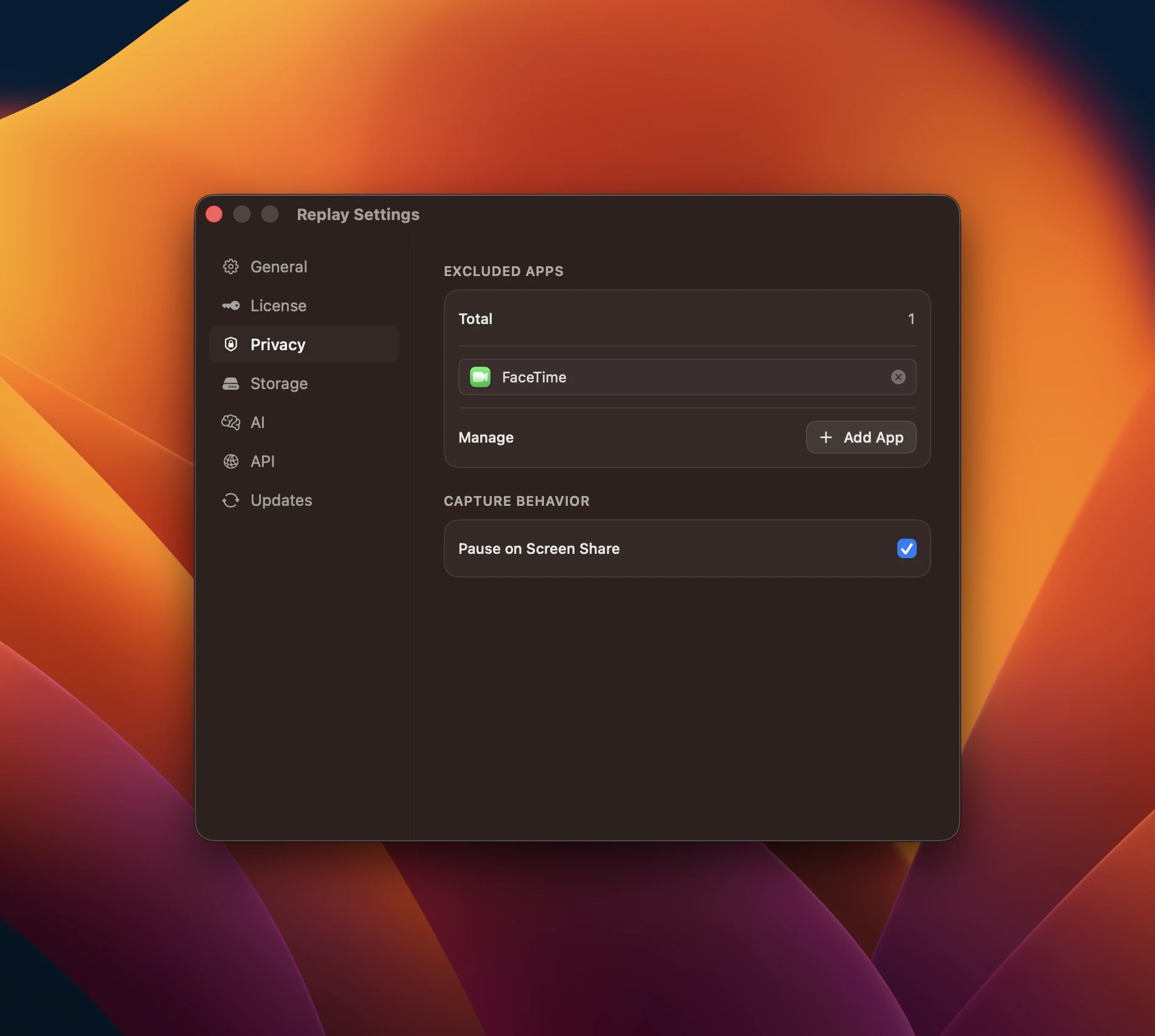
Every step stays on-device. Operators can verify storage, retention, and network boundaries without relying on external services.
Features
Scrub through your entire day with a horizontal timeline viewer. Jump to any moment instantly.
Find any moment by describing what you were looking at. Natural language search powered by on-device models.
Everything runs locally on your Mac. No cloud, no accounts, no tracking. Your screen history is yours alone.
Screenshots taken every 3 seconds, silently in the background.
Perceptual hashing skips duplicate frames to save storage space.
Captures which app and window title you had open at every moment.
Testimonials
"
I use Replay like a memory layer for my day. When I need to resume work, I jump back to the exact screen and keep moving.

Alex Rivera
Product Design Lead · Northline
"
When I get interrupted, Replay helps me recover context in seconds. I spend less time retracing steps and more time shipping.

Maya Chen
Engineering Manager · Packet Labs
"
Searching my own screen history changed how I work. I can find the moment I need without relying on notes or memory.

Daniel Brooks
Security Architect · Hearth Systems
Privacy
Privacy isn't a feature, it's the architecture. Replay processes everything locally using on-device AI models.
All captures, embeddings, and AI inference run on your machine.
Zero network requests. Replay works fully offline.
No sign-up, no tracking, no analytics. Just the app.
Your screen history is stored with macOS file-level encryption.
FAQ
Replay is designed to run quietly in the background so your normal workflow stays fast and uninterrupted.
It depends on how much your screen changes throughout the day, but Replay is optimized to keep storage practical for daily use.
Yes. Your captures stay on your Mac, and your history remains under your control.
Yes. You can pause and resume capture at any time whenever you need privacy or a clean break.
Yes. You can clear specific periods or reset your entire history whenever you choose.
Anyone who works across many apps and tabs and wants reliable recall without relying on memory.
Download Replay and start building your screen history today.
Download for MacAlready using Replay?
Trial ended or ready to commit — grab a license and keep your screen history.